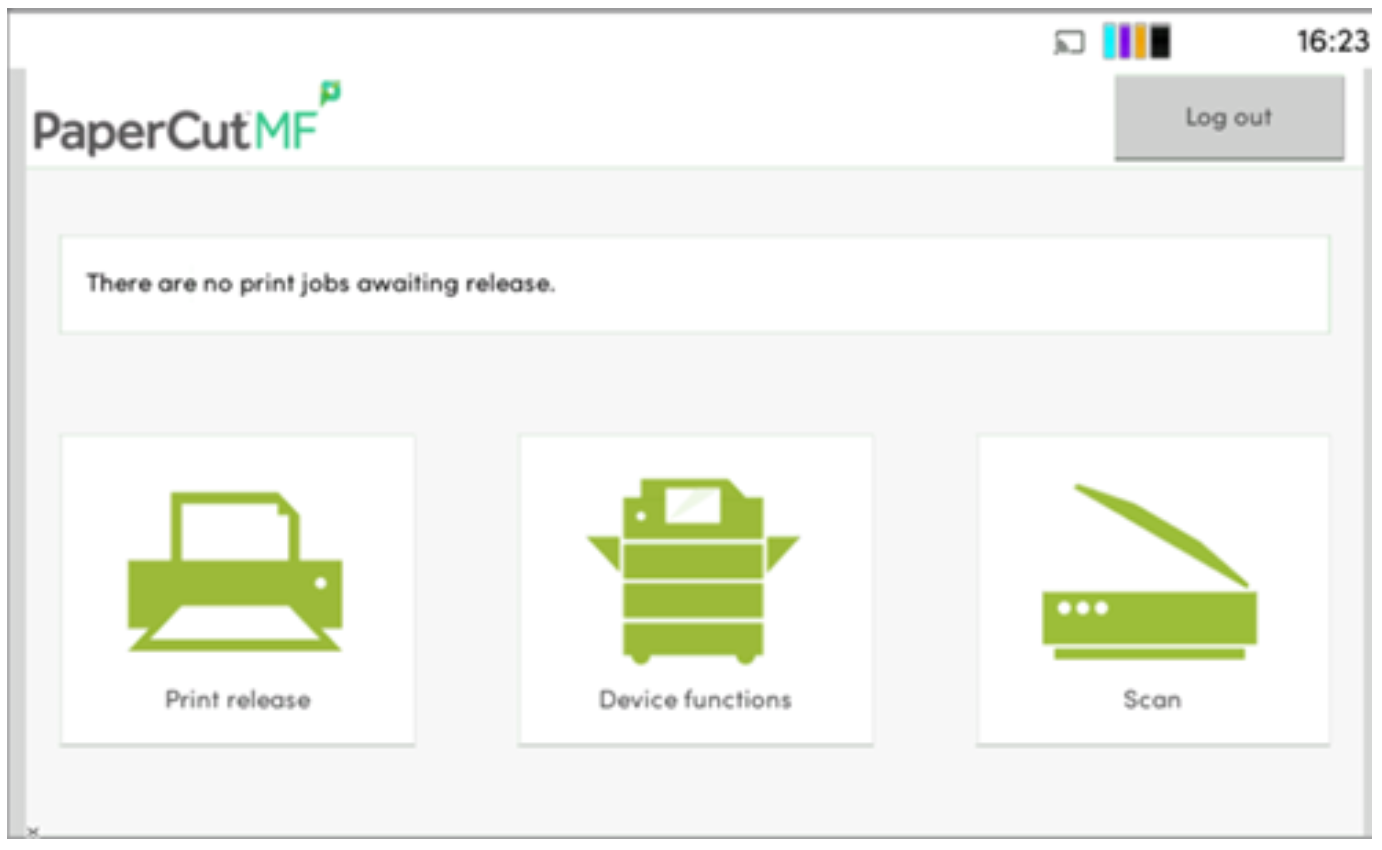
1. On the Printer, swipe your Triton Card to sign in to the printer, and select the Scan Icon.
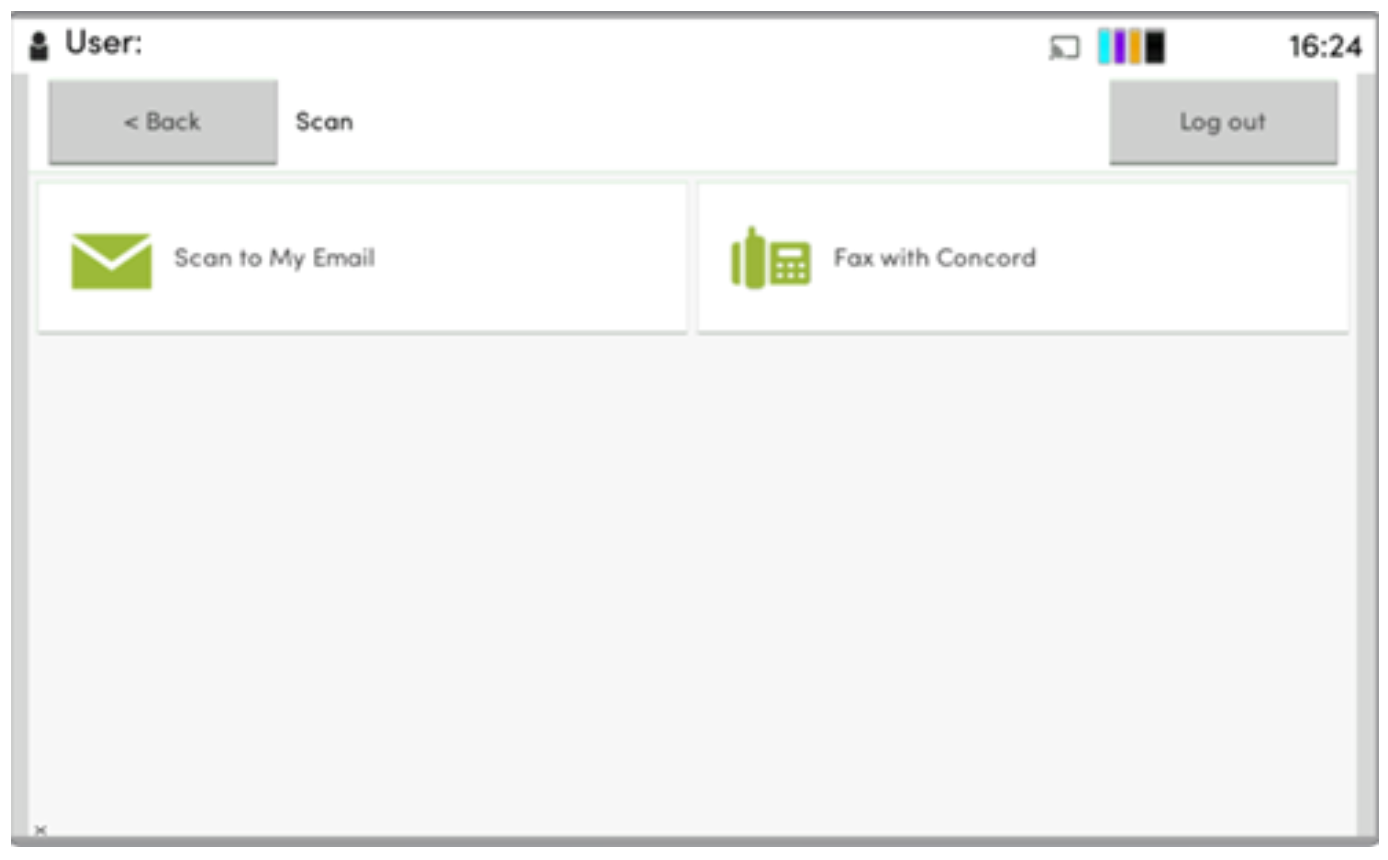
2. Select the Fax with Concord button on the screen.
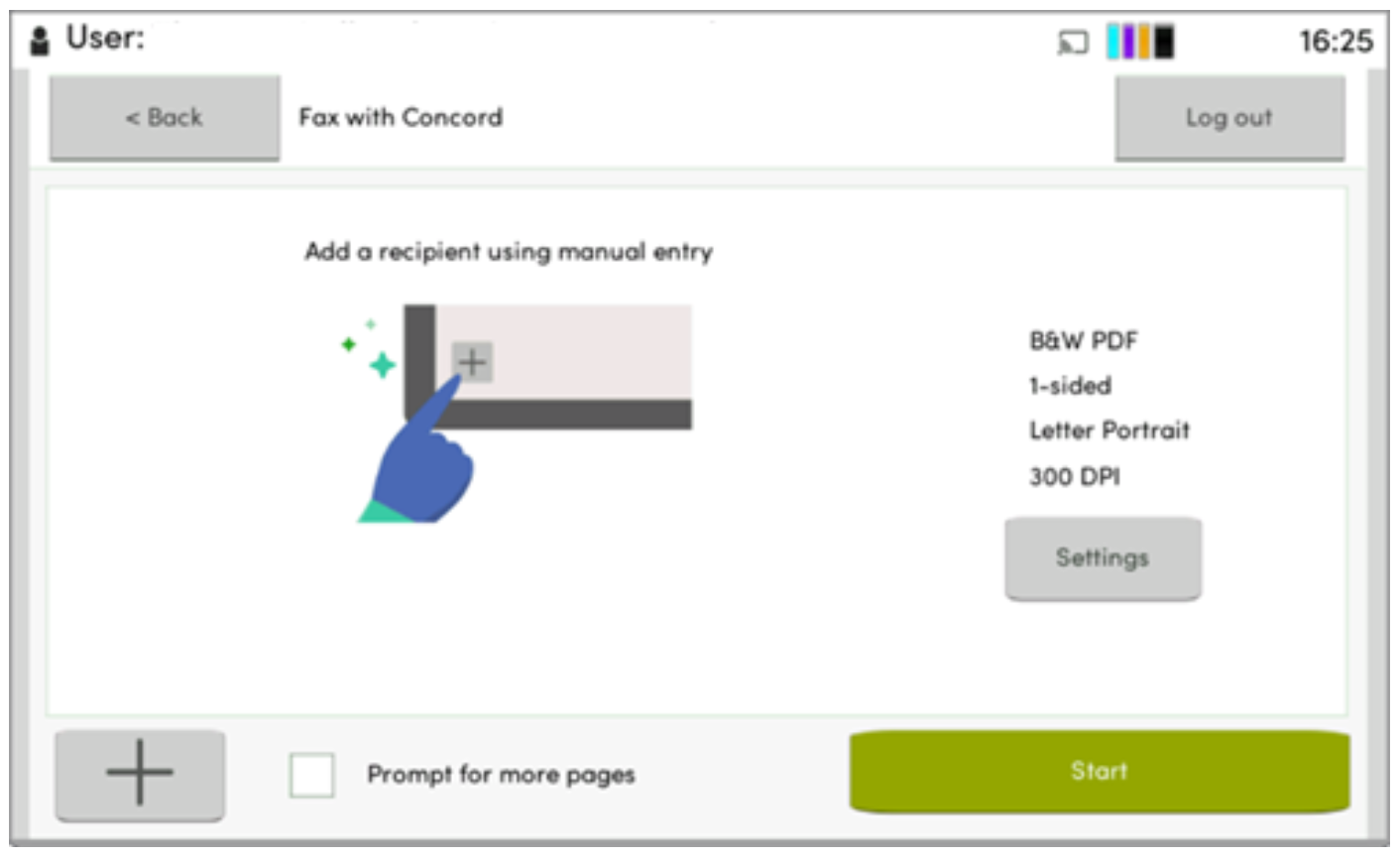
3. Click the plus sign in the bottom left corner to add a recipient.
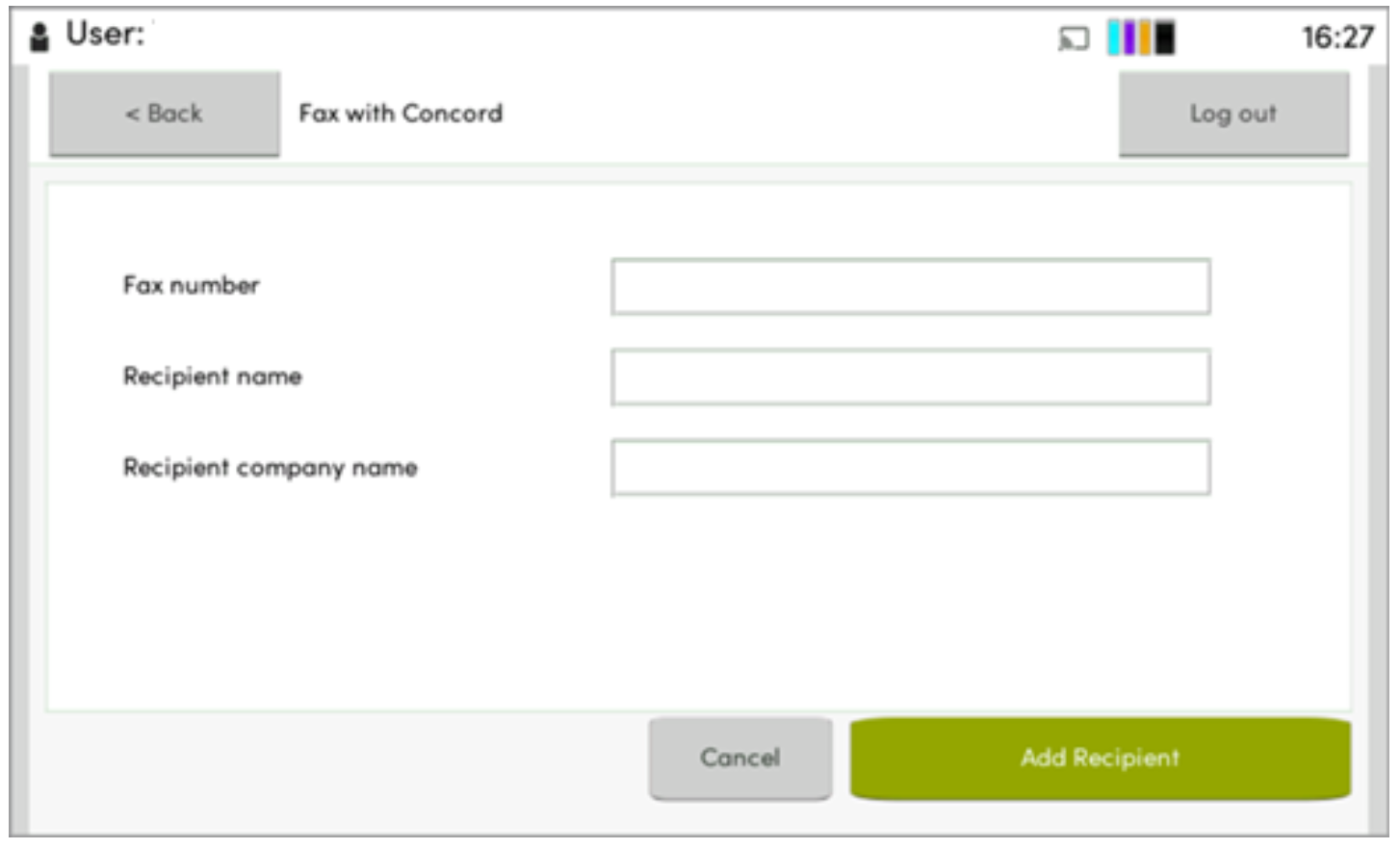
4. Fill in the fax number, and recipient info, then select add recipient.
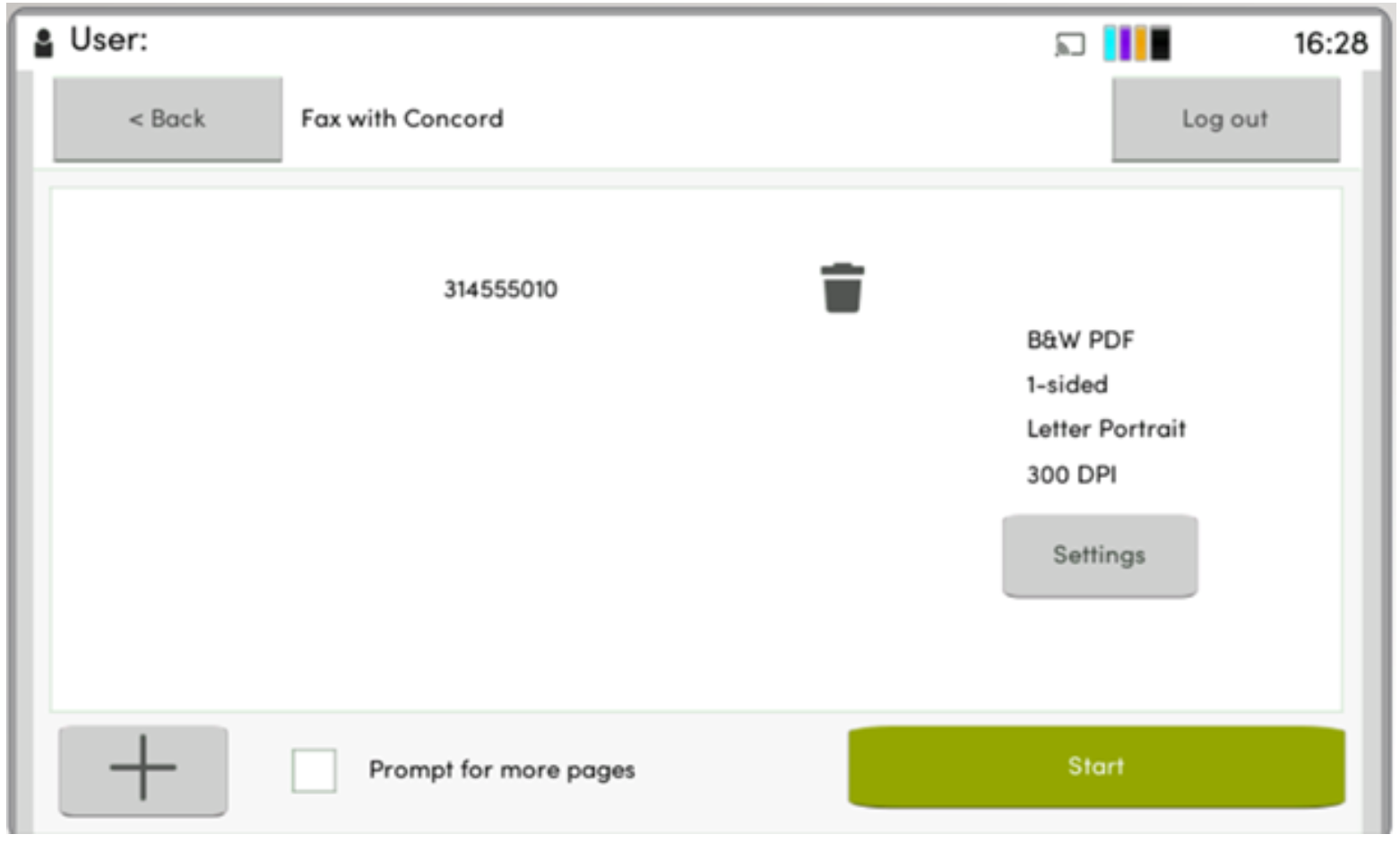
5. Once any recipients are added, select Start in the bottom right corner.