Secure Release allows you to print to a general queue, and swipe your Triton Card at any printer to print your document
1. Once the papercut application is installed to your computer, the Secure Release printer will be installed by default.

- Choose the appropriate account to charge your print to:
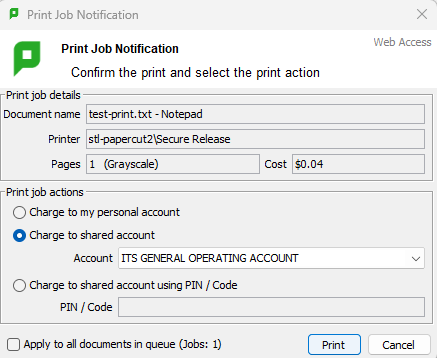
- Select the Secure Release Printer from the list of available printers, then select print.
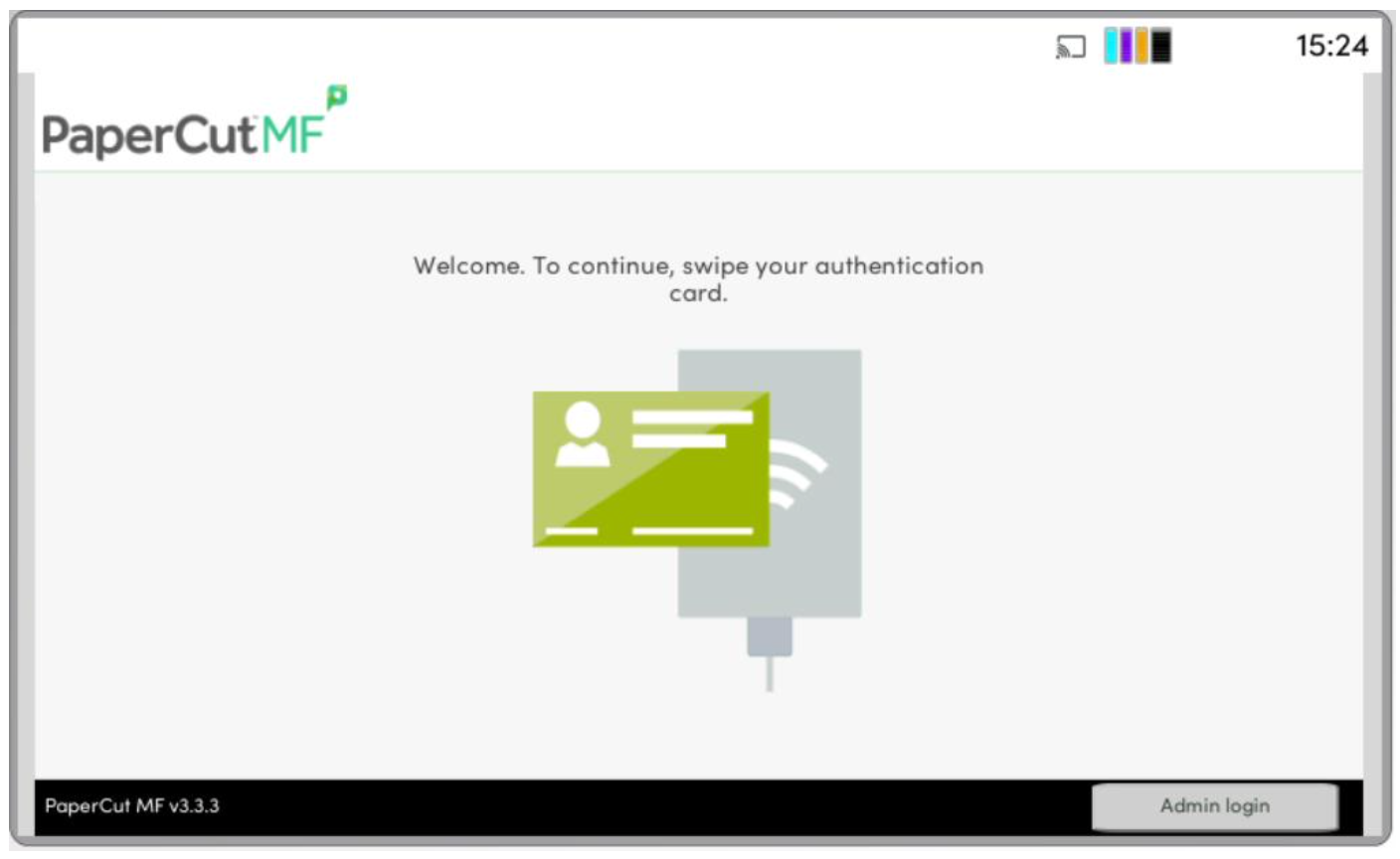
4. On the printer, swipe your card in the card swipe to sign into the printer