Instructions below:
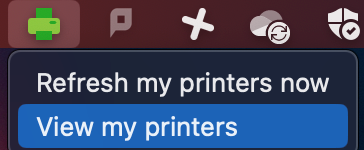
1. Click the green printer in the menu bar, then select “View My Printers.”
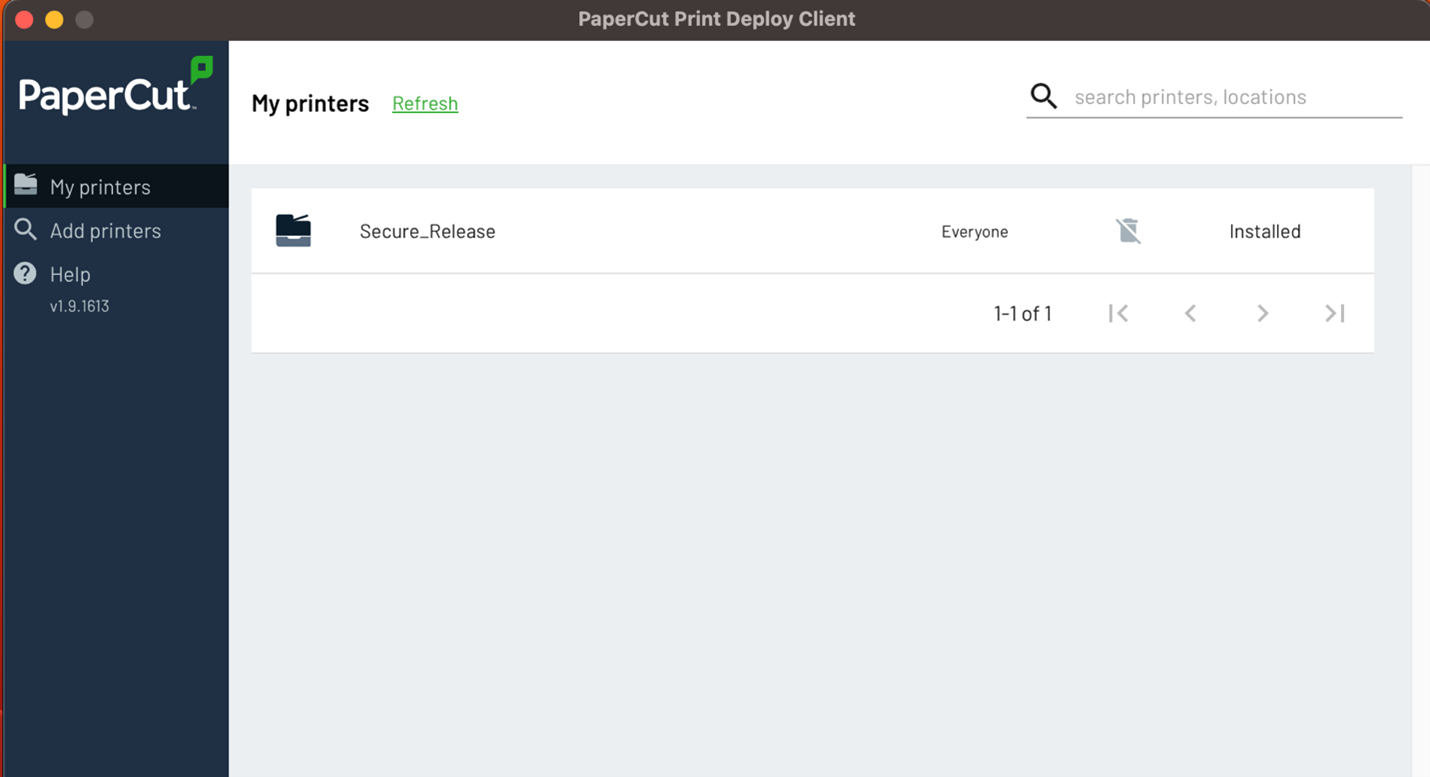
2. In the window that opens, select “Add Printers.”
3. Find your area’s printer – they are named with room number, much like the old Xerox fleet – and printer serial number
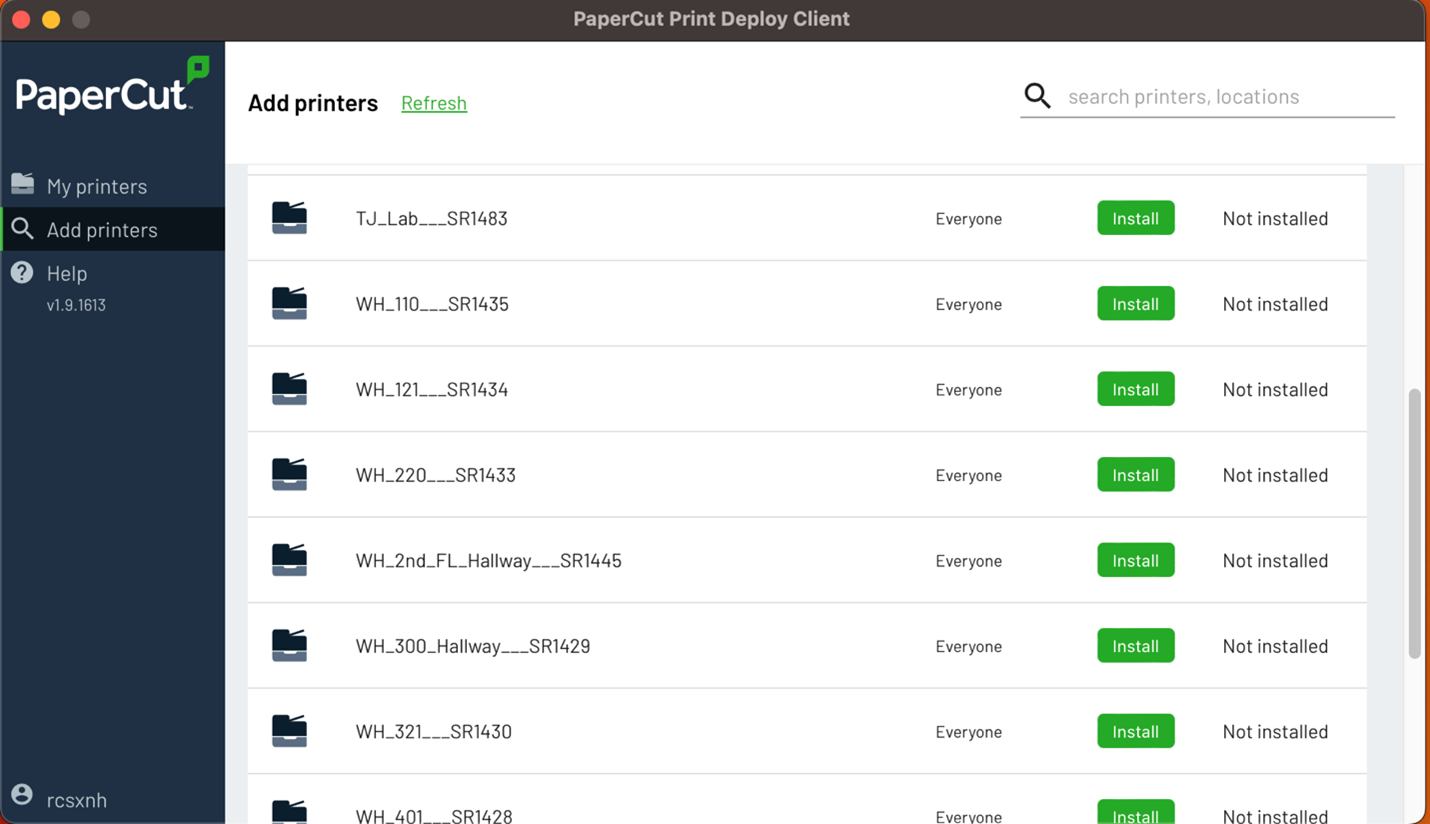
4. When ready to print, be sure you are select the printer that has the serial number. All Kyoceras have serial numbers starting with SR.