How to Install Cisco AnyConnect to your Apple portable device
(Requirements: Compatile with iPhone, iPod touch, and iPad. Requires iOS 4.1 o later.)
Search and Download the Cisco AnyConnect software from the App Store.
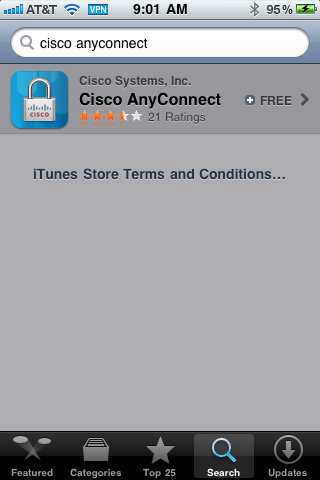
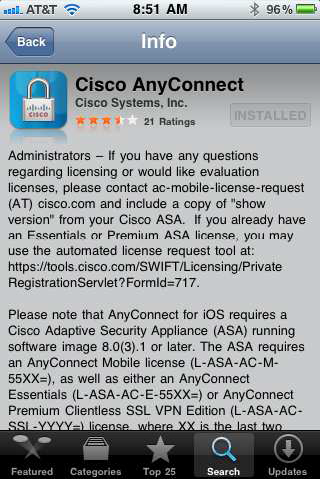
-
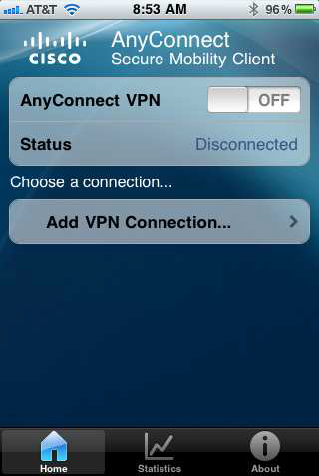
After installation, open the program to customize it.
-
Click on Add VPN Connection and configure as follows:
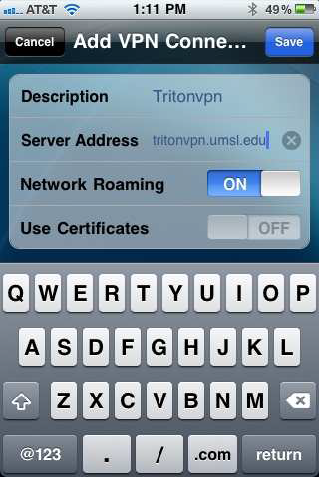
-
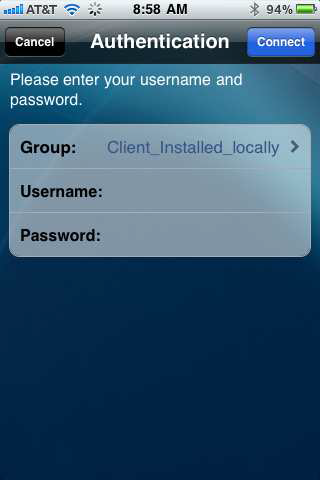
Enter your UMSL SSO ID and password and click Connect
-
It will take you back to the main screen and all you have to do next time is move the AnyConnect VPN to ON.
