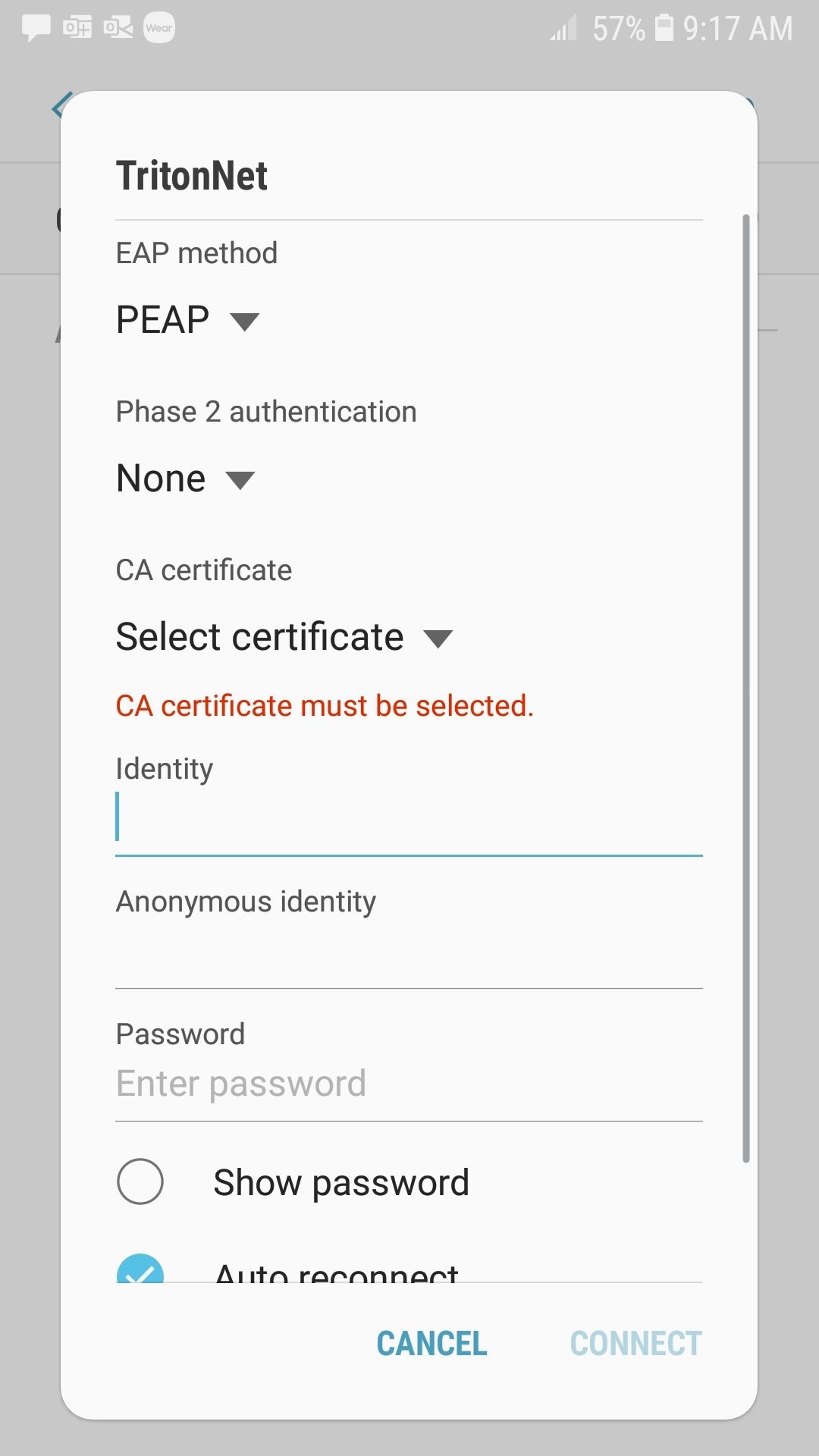
These instructions assume this is not the first setup of the Android device. The Android Operating System has a reputation of varying slightly from one manufacturer to another. There may be small differences in the settings but they should be very close to the following:
-
Touch the Menu Key then select “Settings”.
-
Touch “Wireless and network”.
-
Select Wi-Fi settings.
-
The device will automatically locate available networks. Touch TritonNet,
-
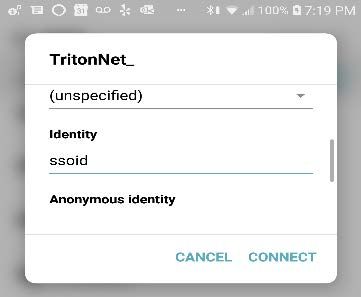
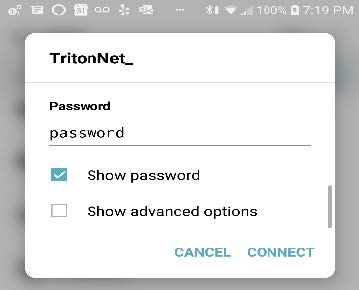
Enter your username (ssoid) and password.
-
-
You are now connected to the TritonNet network.
-
On some android versions it seems like the WiFi settings ask for a little more info, you need to select the “don’t validate” under CA certs. The other fields besides username and password can be ignored as they should already be filled in correctly if PEAP is the EAP method at the top drop down box.