You must have the name of the machine you want to connect to.
You must install Microsoft Remote Desktop from the app store.
-
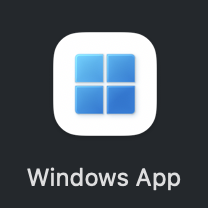
Launch the Windows app
-
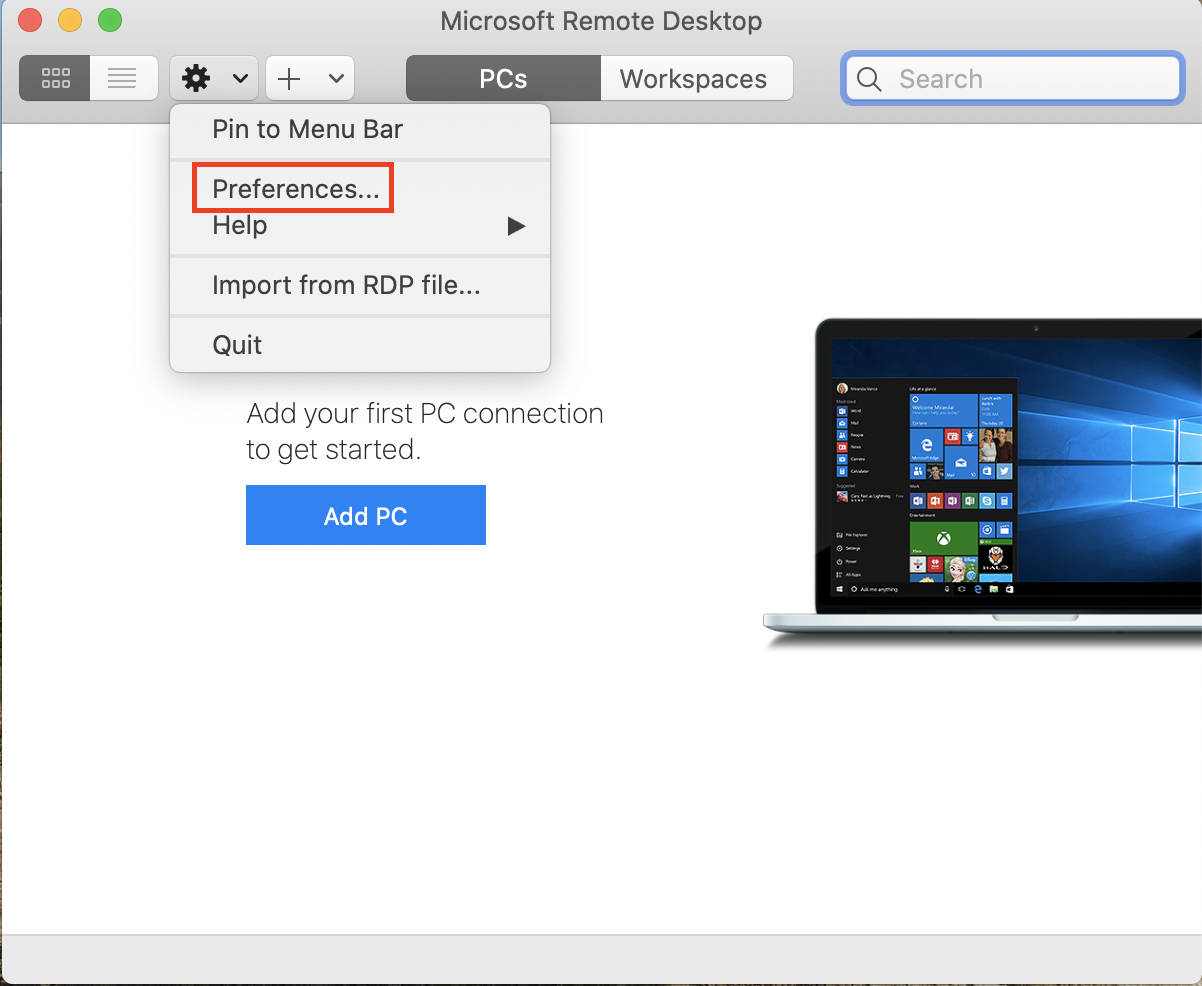
Click the Settings gear, and select Preferences...
-
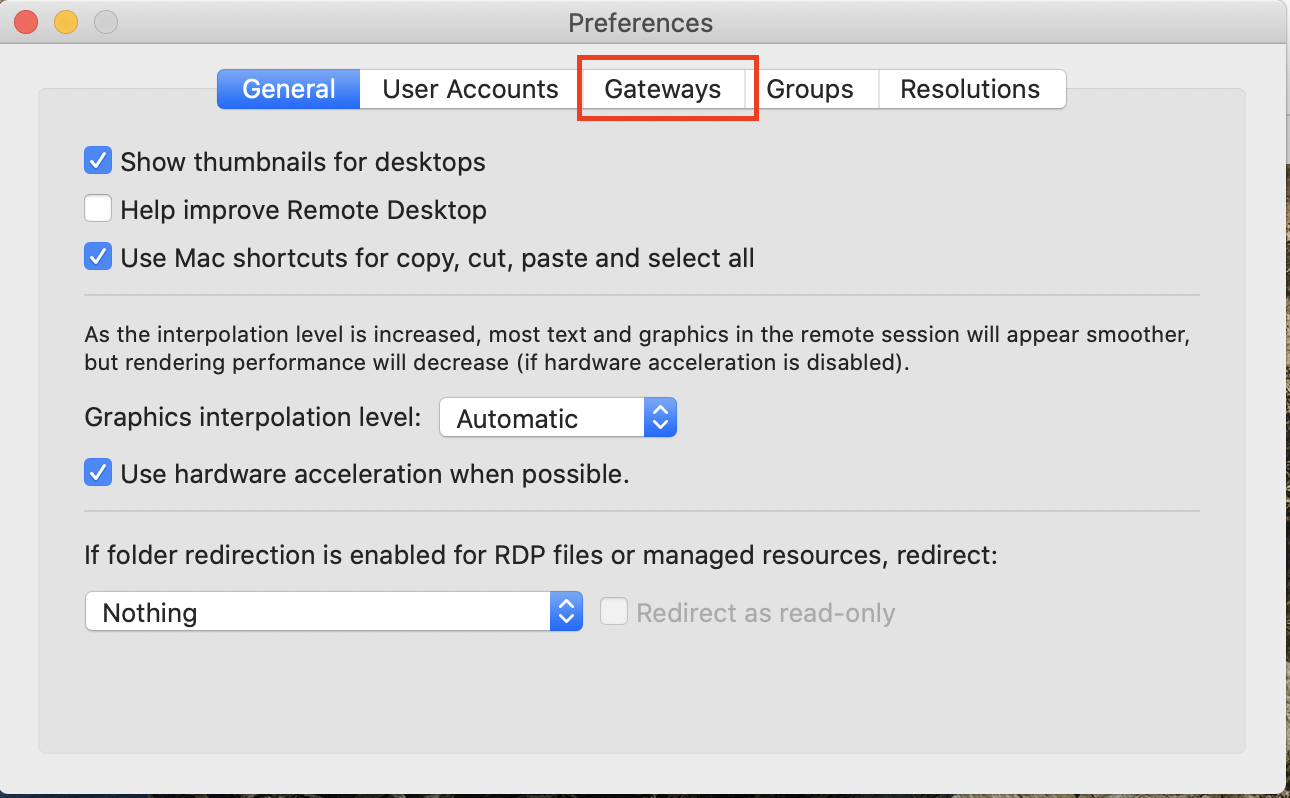
From the Preferences window, click the Gateways tab
-
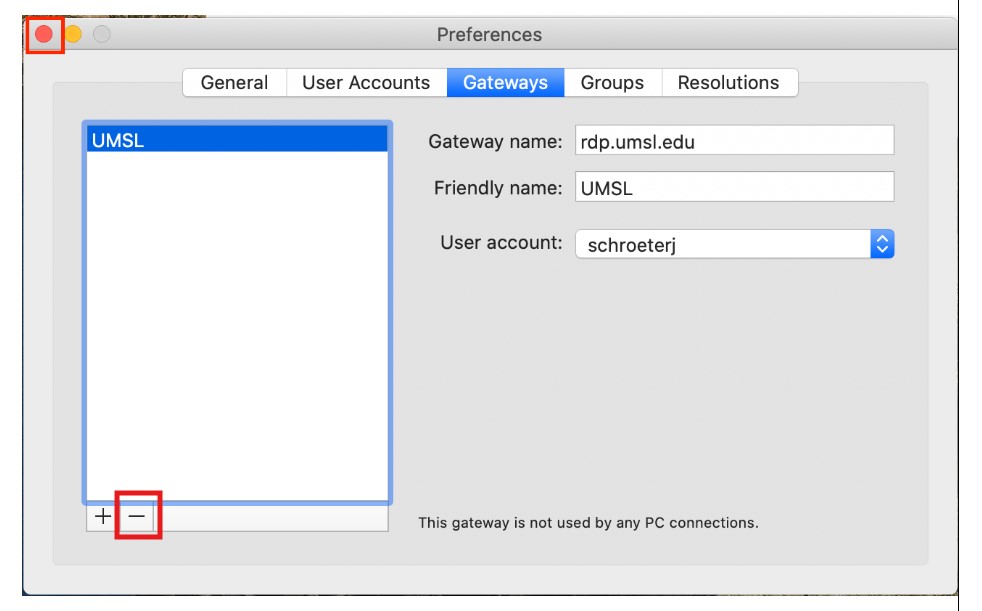
On the Gateways tab, if you have the old rdp.umsl.edu, hit the - to delete it.
-
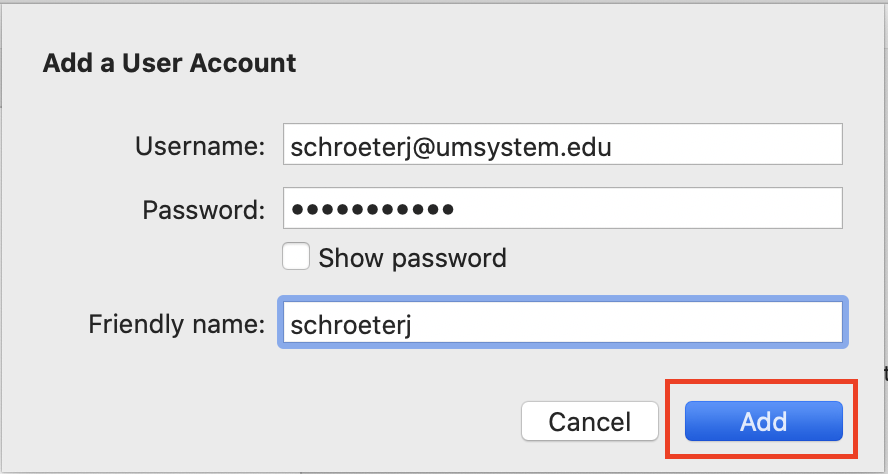
Enter User name as SSOID@umsystem.edu, with your SSO password. The Friendly name is optional. Click Add.
-
Close Preferences by clicking the red Close button.
-
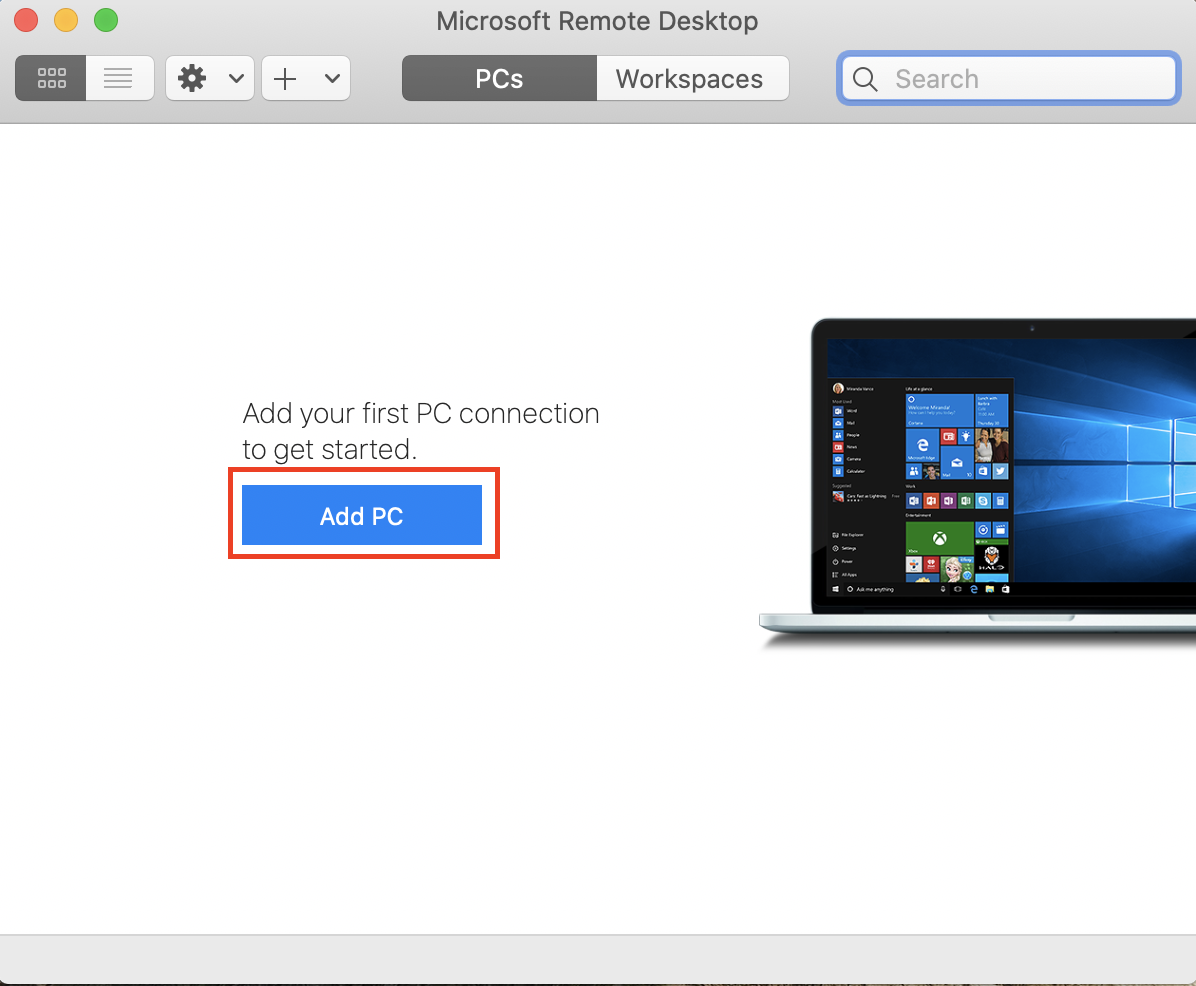
Click Add PC
-
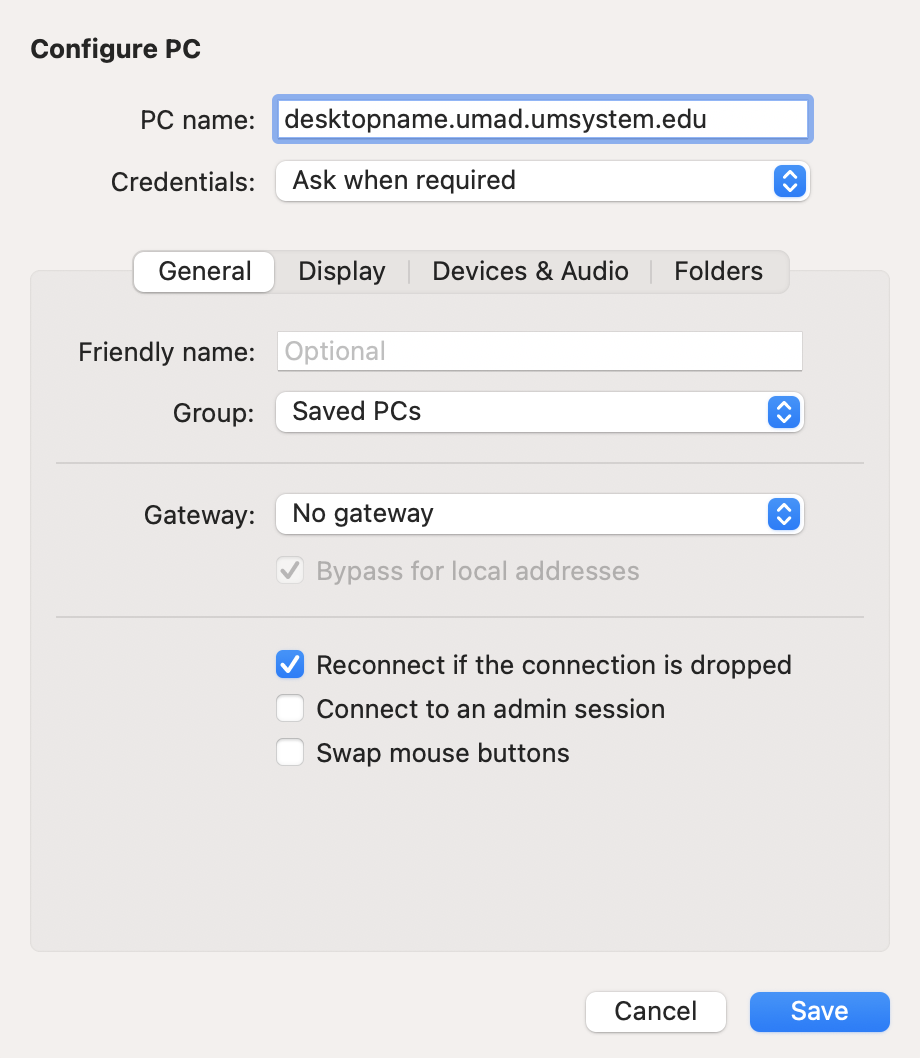
Enter the PC name, select the User account and verify the Gateway says "No Gateway", then click Add
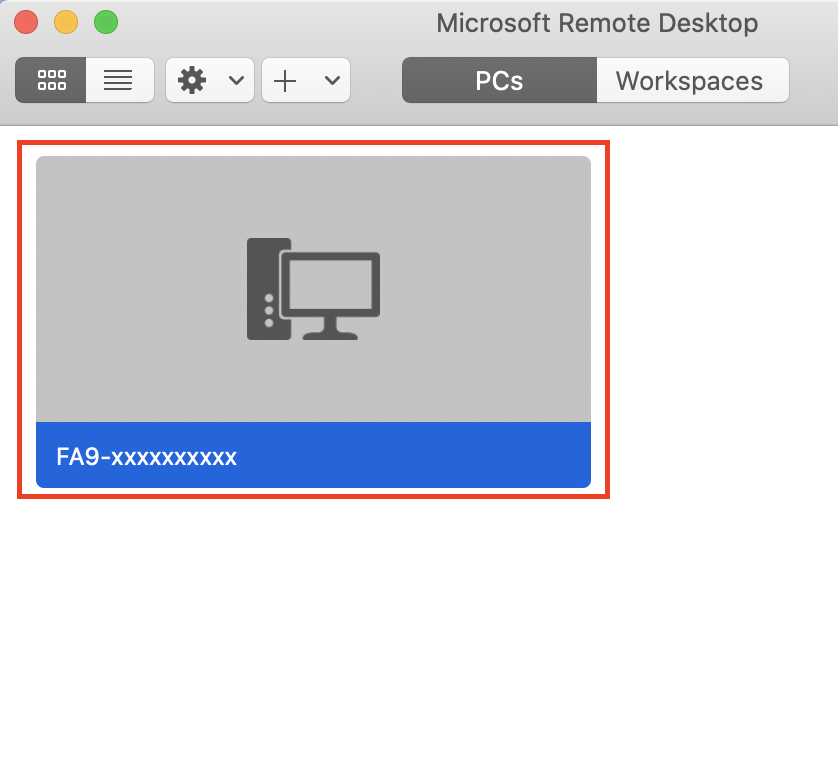
- Click the connection with the desired computer name
Follow any prompts you may receive. If prompted to Verify Certificate, review the host name and click Trust then Continue.