In order to connect to the encrypted wireless network on an iOS device, please follow these steps:
-
Click on ‘Settings’
-
Click on ‘Wi-Fi’
-
Under ‘Choose a Network’ click on ‘eduroam’
-
Enter your umsystem username and password, with your username in the form of: ssoid@umsystem.edu touch Blue check mark after entering your password.

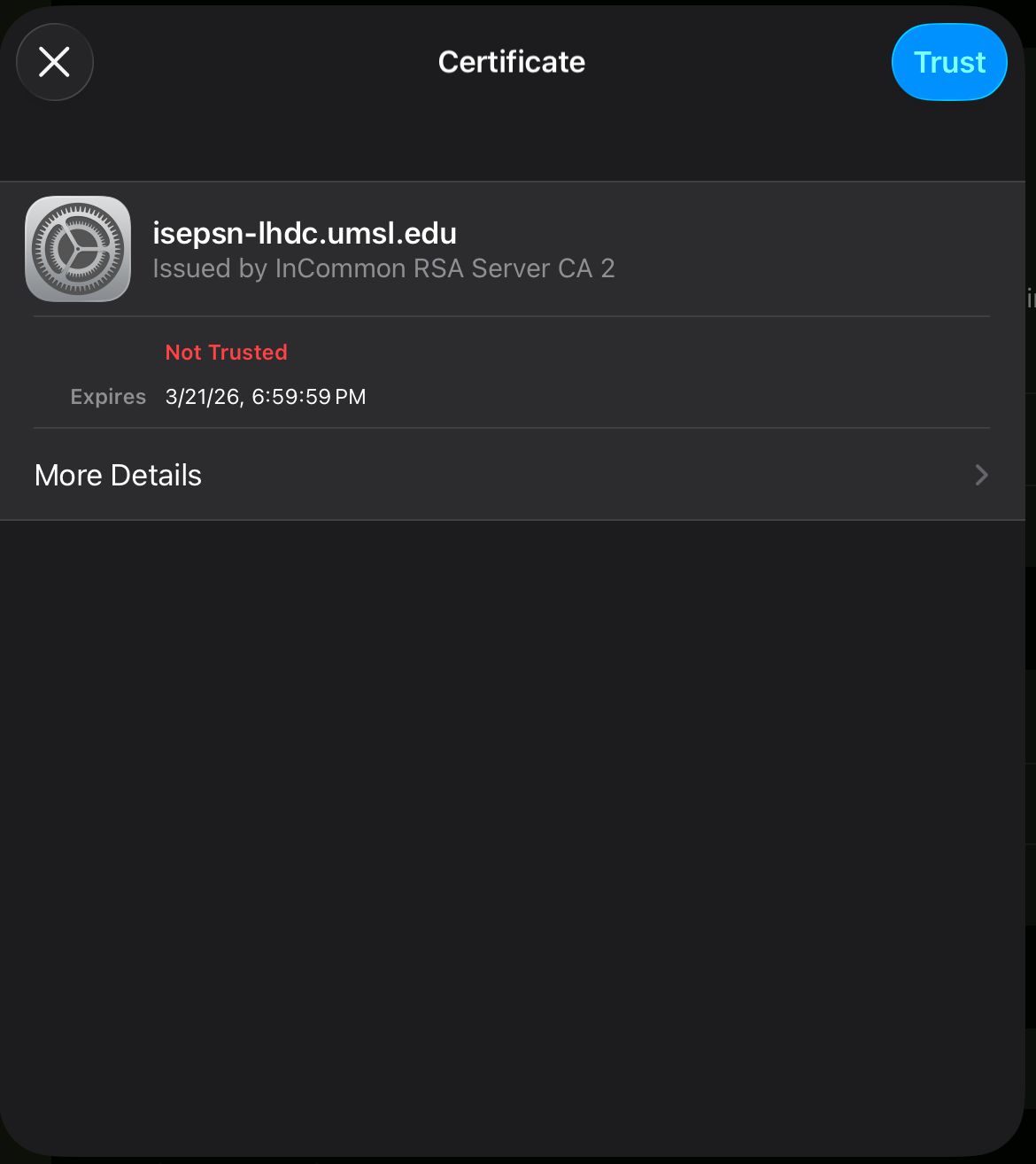
5. You will be prompted to accept a certificate from ‘InCommon RSA Server CA 2’. Touch ‘Trust’.
6. You are now connected to the eduroam network.